
Introduction
Most sales managers can tell you their monthly lead count. Very few can tell you how many of those leads sat unassigned for an hour, a day, or longer before anyone touched them. That gap — between leads generated and leads actually worked on time — is where real revenue disappears, and manual lead distribution is almost always the reason.
Here’s a simple way to see it for yourself, not a generic industry statistic: if your team generates 200 leads a month, and even 15% of them get contacted late, duplicated, or missed entirely because nobody owns instant assignment, that’s roughly 30 leads a month that never had a fair shot — regardless of how good your product or your sales reps actually are. Multiply that by your average deal value, and the number gets uncomfortable fast. This isn’t a hypothetical inefficiency. It’s a monthly, recurring cost that most companies have simply never calculated.
What Manual Lead Distribution Actually Costs You
Manual lead distribution — someone reviewing a list and deciding who gets what, or leads sitting in a shared inbox until a rep happens to check it — creates three specific, measurable costs:
Delay cost
Every hour a lead waits for assignment is an hour a competitor might respond first. Research on web-generated sales leads published in Harvard Business Review found that companies contacting a lead within the first hour qualify it at dramatically higher rates than companies that wait even a few hours longer — and most companies, across industries, are slower than they assume. In fast-moving categories, this alone can decide who wins the deal.
Fairness cost
Without rules, some reps get overloaded with leads while others sit idle. Overloaded reps rush follow-ups; idle reps lose morale. Both hurt conversion.
Visibility cost
When distribution happens manually, management can’t see it happening in real time — problems only surface in a monthly report, after the damage is already done.
None of these costs show up as a single line item anywhere. They show up as lower conversion rates that everyone assumes are a sales-skill problem, when they’re actually a lead distribution problem.
What Is Automated Lead Distribution?
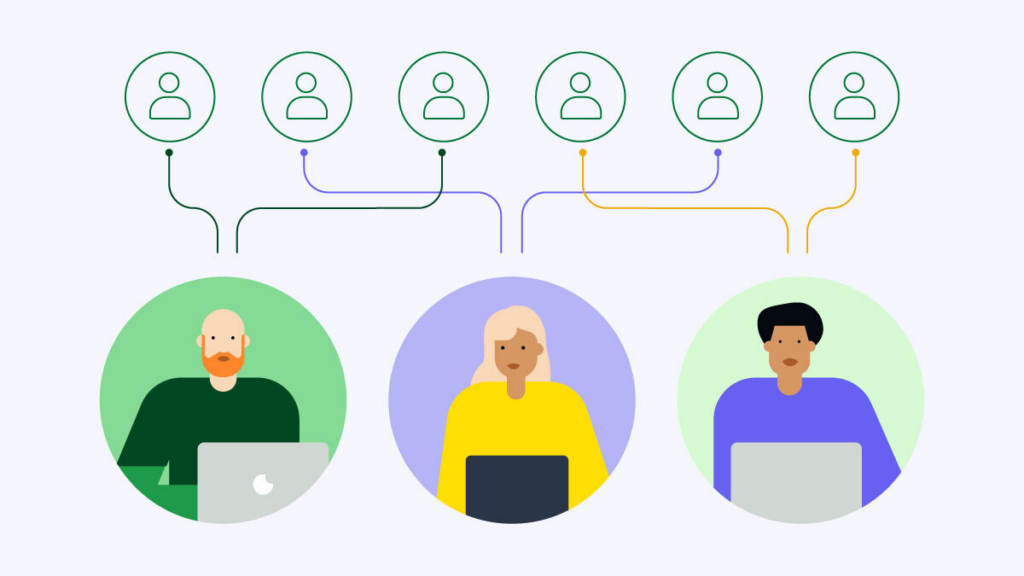
Automated lead distribution means every incoming lead is assigned to the right sales rep automatically, the moment it arrives, based on rules you define — territory, product interest, current workload, or lead score — instead of a person manually deciding who gets what. The CRM becomes the dispatcher, not a manager working through a list between meetings.
Common Lead Distribution Mistakes (Even Good Sales Teams Make)
1. Distributing leads once a day instead of instantly. A daily batch process means the average lead waits half a day before anyone even knows it exists — long enough for the buyer to have already moved on.
2. Assigning by “whoever’s free” instead of by fit. Speed matters, but so does relevance. A lead interested in one product line assigned to a rep who doesn’t specialize in it wastes the speed advantage entirely.
3. No fallback when a rep doesn’t respond. If a lead sits with one rep who’s out sick or simply misses it, and there’s no automatic reassignment rule, that lead just dies — quietly, with nobody noticing until it’s too late.
4. Treating WhatsApp leads differently from form leads. Many Egyptian teams route web-form leads properly but let WhatsApp inquiries pile up manually in a shared phone or group chat, since it feels like “just messaging” rather than a real pipeline channel.
How Zoho CRM Automates Lead Distribution
Zoho CRM replaces every one of the mistakes above with a rule-based, automatic system:
Instant assignment rules
The moment a lead is captured — from a web form, Facebook ad, or WhatsApp — Zoho CRM assigns it based on rules you configure: territory, product interest, or round-robin rotation, with no daily batch delay.
Workload-aware routing
Assignment rules can account for how many open leads a rep already has, so distribution stays fair instead of overloading your best-performing rep simply because they’re fastest to respond.
Automatic reassignment and escalation
If a lead goes untouched past a set time, Zoho CRM can reassign it or alert a manager automatically — the fallback rule most manual processes never have.
Zia AI-weighted distribution
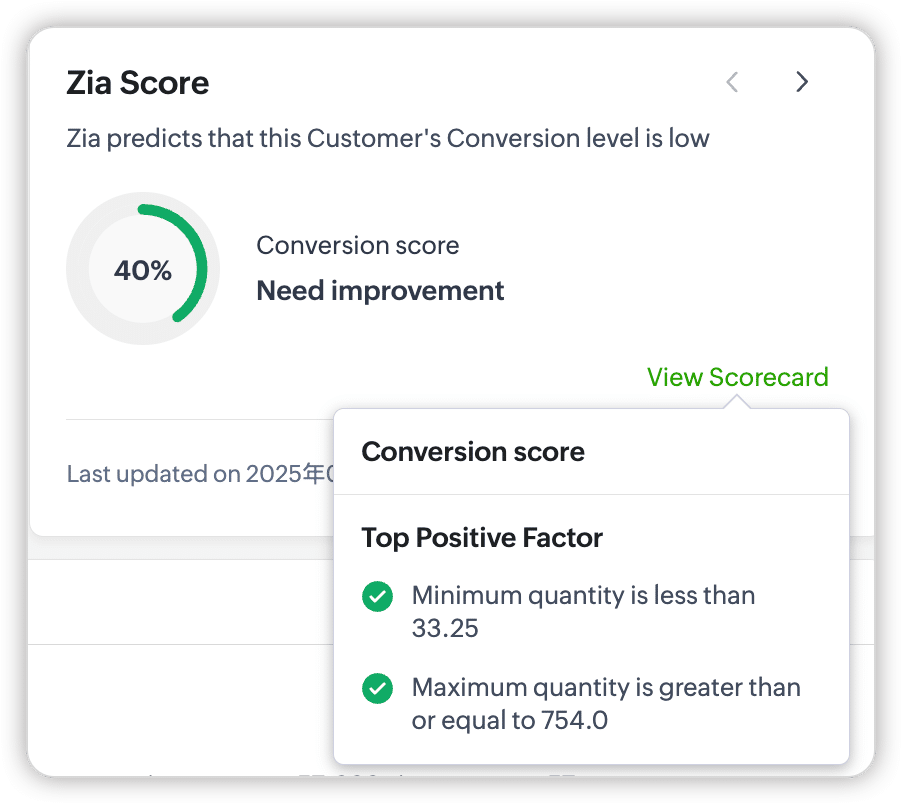
Zia, Zoho’s built-in AI, scores leads on conversion likelihood, so distribution rules can prioritize sending your highest-potential leads to your strongest closers, not just the next person in rotation.
WhatsApp treated as a real channel
WhatsApp Business leads flow into the same distribution rules as every other channel — no separate, manual process for the channel most Egyptian sales teams actually use most, and no repeat of the spreadsheet-and-WhatsApp-group habits that cause teams to outgrow their tools in the first place.
This is the same underlying logic PyramidBITS has already implemented for real estate broker teams managing high lead volume, adapted here for general B2B sales teams facing the identical structural problem.
The PyramidBITS Implementation Angle
Assignment rules only work if they’re built around how your team is actually structured — copying a generic rule set from a demo account usually creates new problems instead of solving old ones. As a Zoho Advanced Partner, PyramidBITS implementation work for this specifically includes:
- Mapping your current lead sources and rep structure — territories, specializations, capacity — before configuring a single rule.
- Building fallback and escalation logic, so a lead never simply dies because one rep missed it.
- Connecting WhatsApp Business into the same distribution rules as every other channel, since this is often the biggest gap in existing setups.
- Setting up manager visibility dashboards, so distribution problems are caught the same day, not the same month. Our complete guide to why B2B deals stall covers the broader visibility problem this solves.
- Training the team on the new rules, since even automated systems need reps to trust and follow the process. For companies going through a full CRM rollout, our Zoho CRM implementation partner guide covers the complete rollout sequence.
Practical Next Steps
Before any software conversation, these four checks will show you exactly how big your lead distribution problem actually is:
- Time how long, on average, a lead currently waits before assignment. If nobody can answer this precisely, that’s the first sign distribution is manual.
- Compare lead counts across reps for the last 30 days. A wide gap between your busiest and least-busy rep usually means distribution isn’t rule-based.
- Ask what happens when a rep is out sick or on leave. If the honest answer is “their leads just wait,” you have no fallback rule.
- Check how WhatsApp leads are currently distributed, specifically — separately from how web-form leads are handled. The gap here is usually larger than expected.
Run through these four checks honestly, even if the answers are uncomfortable — they’re the fastest way to size the actual problem before spending time or budget on a fix.

FAQs
What is lead distribution?
Lead distribution is the process of assigning incoming leads to the right sales rep. Done manually, it depends on someone reviewing and assigning leads by hand. Done through automated lead distribution, a CRM applies pre-set rules — territory, workload, or product fit — to assign each lead instantly.
How is lead distribution different from lead assignment?
The terms are often used interchangeably. “Lead distribution” typically refers to the overall system and rules governing how leads get spread across a team; “lead assignment” refers to the specific act of a lead being given to one rep. A lead distribution system is what makes consistent lead assignment possible at scale.
Can Zoho CRM distribute leads by territory or product line specifically?
Yes. Assignment rules in Zoho CRM can be configured around territory, product interest, deal size, lead score, or any combination your business needs, rather than a single generic rule applied to every lead.
Does automated lead distribution work for WhatsApp leads too?
Yes, when WhatsApp Business is properly connected to the CRM. Without that connection, WhatsApp leads often bypass automated distribution entirely, which is one of the most common gaps we find during implementation reviews.
How quickly can lead distribution automation be set up?
For most companies, configuring assignment rules and testing them takes days, not weeks — the longer part of implementation is usually mapping the right rules for your specific team structure, not the technical setup itself.
Book a Free Zoho CRM Demo
If you don’t know exactly how long your leads currently wait before someone picks them up, that’s worth finding out before anything else. Book a free Zoho CRM demo with PyramidBITS and see what automated lead distribution would actually look like inside your pipeline.